Introduction
As the name implies, this module deals with the management of visitors(people) from the visiting phase until he/she may or may not be enrolled in the college.
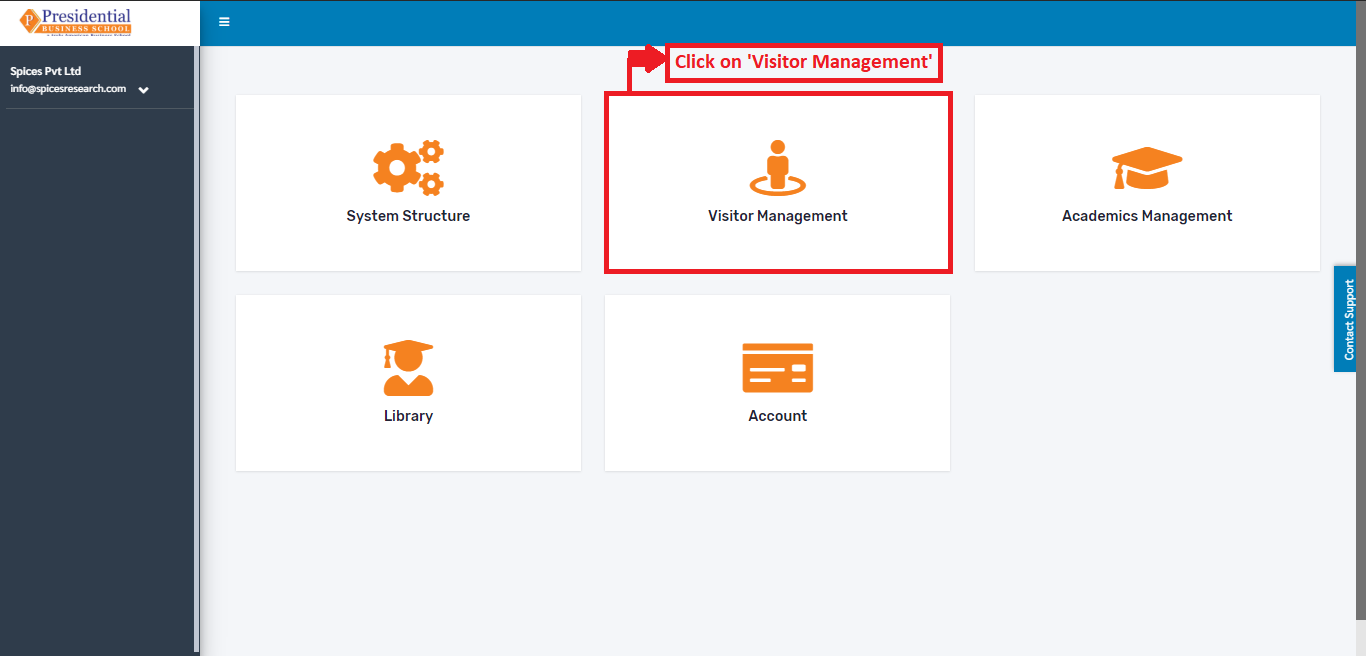
On the main Dashboard click on “Visitor Management” by the following process as shown in the picture below.
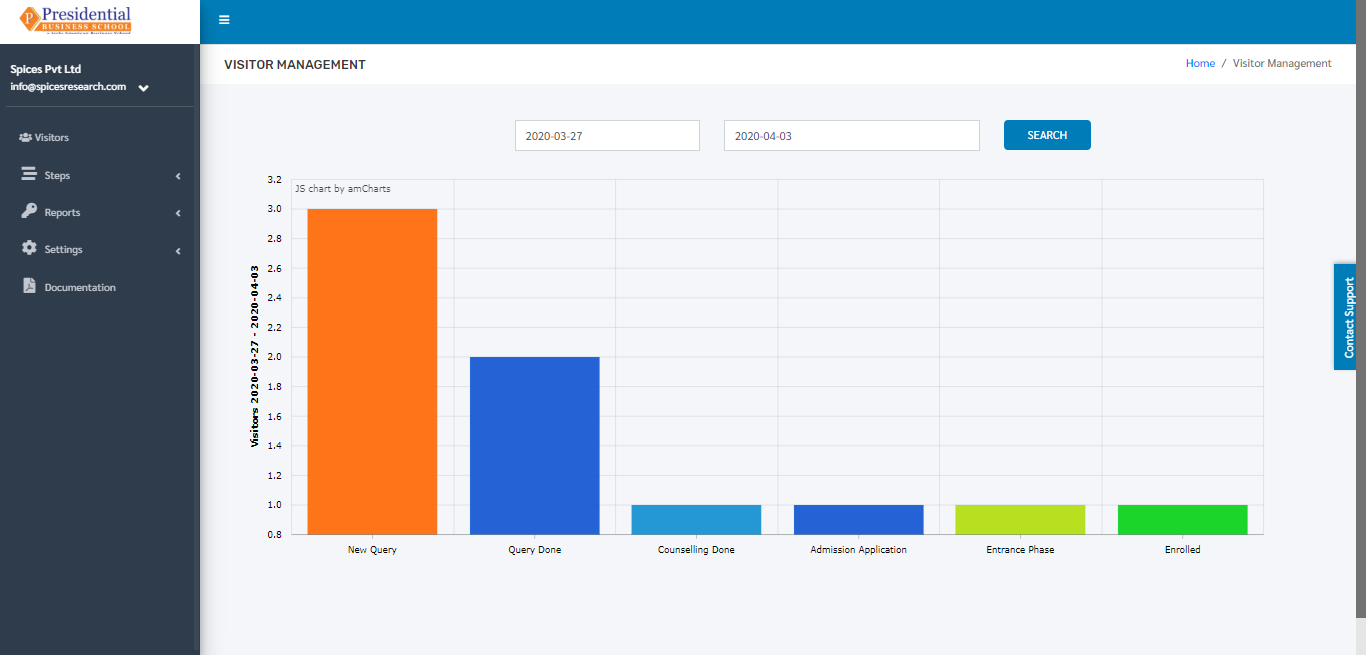
The following page will appear on clicking ‘Visitor Management’.
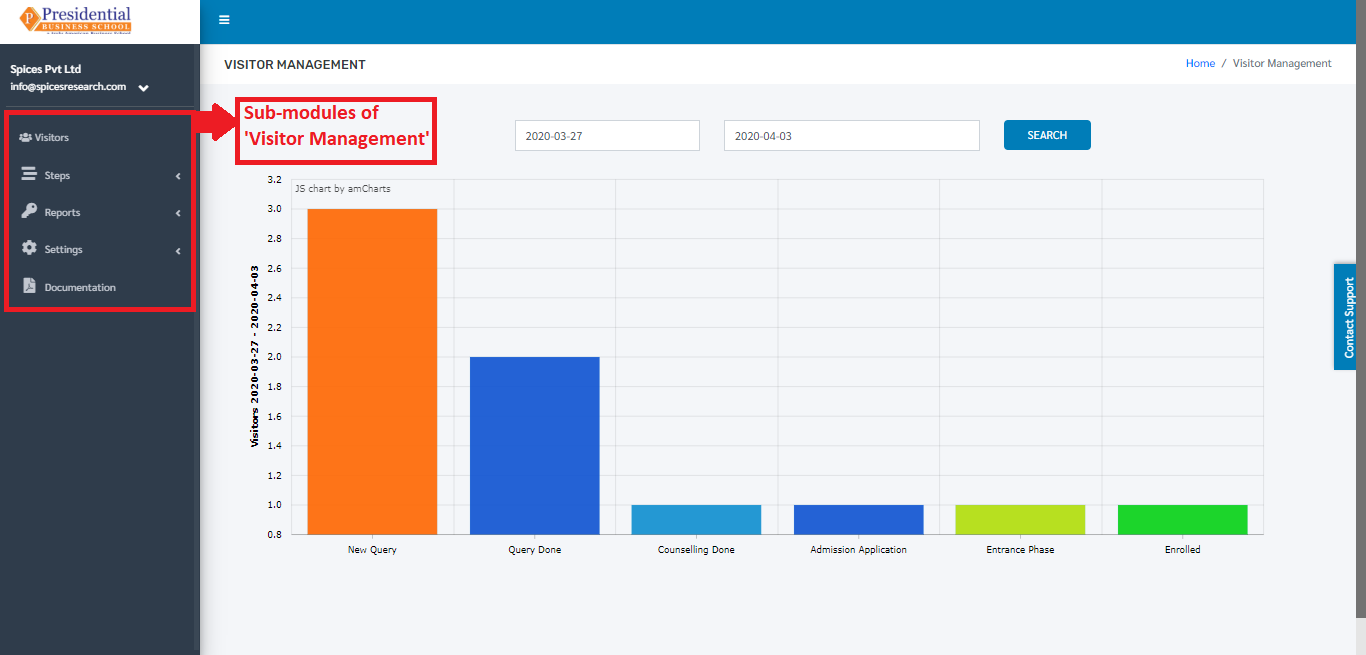
After user is landed on the dashboard of “Visitor Management”, user will be able to see some sub-modules on the left hand side of the page:
Visitors
Steps
Reports
Settings